Curious why you should learn GitHub? Checkout What is GitHub
Create Your GitHub Account
- Visit GitHub
- Navigate to Sign In and Create an Account
- Fill Out the Registration Form
- Verify Your Email Address
- Finalize Your Account Setup
I highly recommend using your university email to sign up, or if you already have an account with another email, add your active university email to that account, so you can apply for the Student Developer Pack, which will provide you with many amazing features for free, including GitHub Copilot!
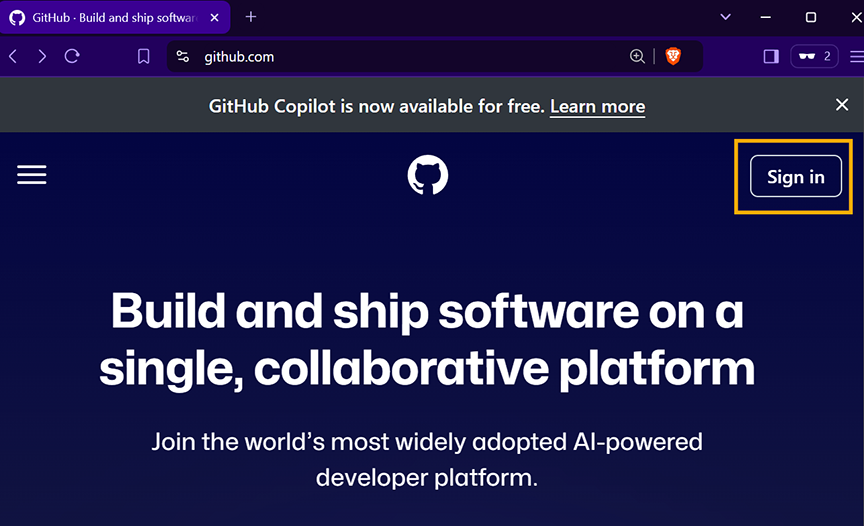
1. Visit GitHub
Go to GitHub’s website and click on the Sign in button on the top right.**
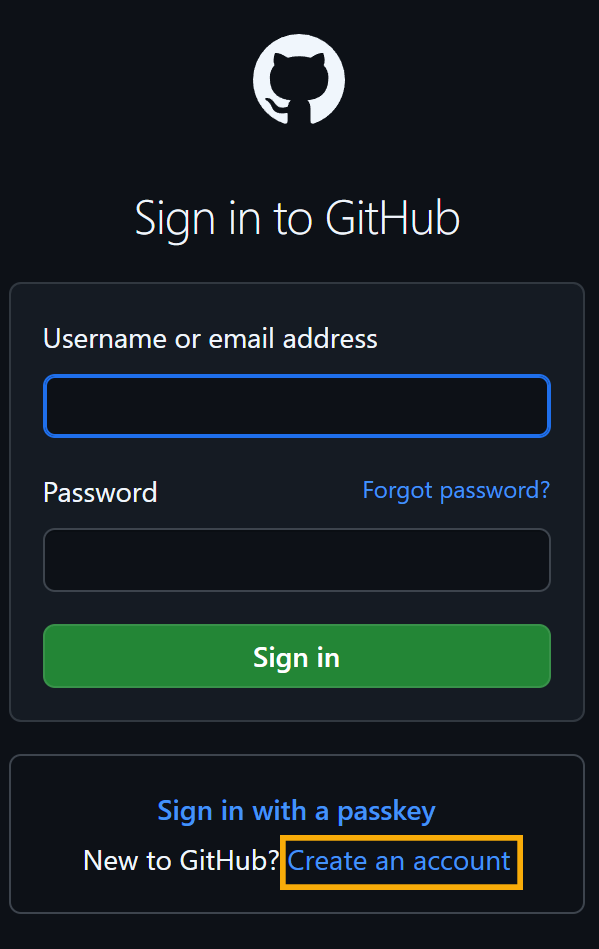
2. Navigate to GitHub’s Sign-In Page and click on Create an account
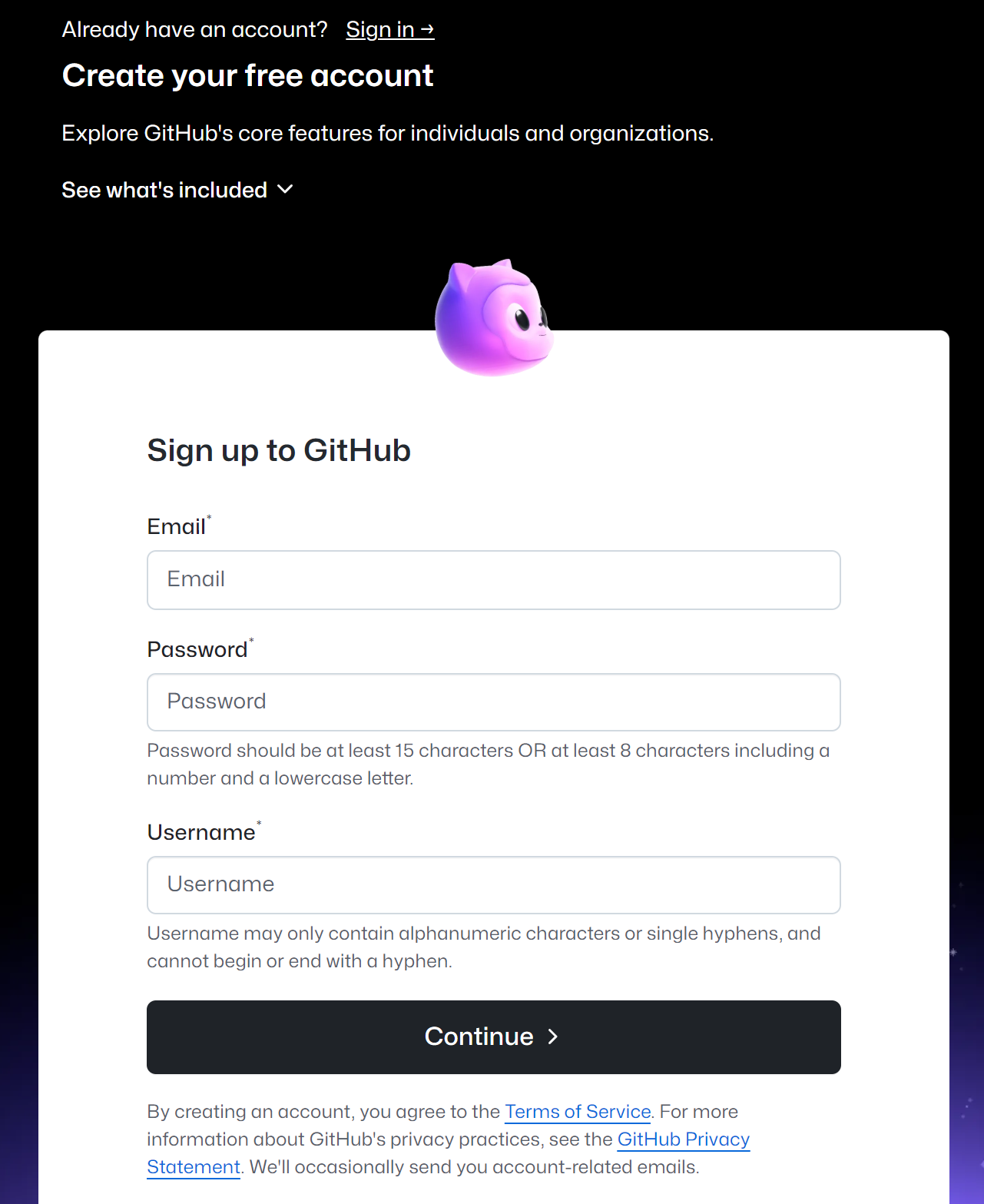
3. Fill Out the Registration Form
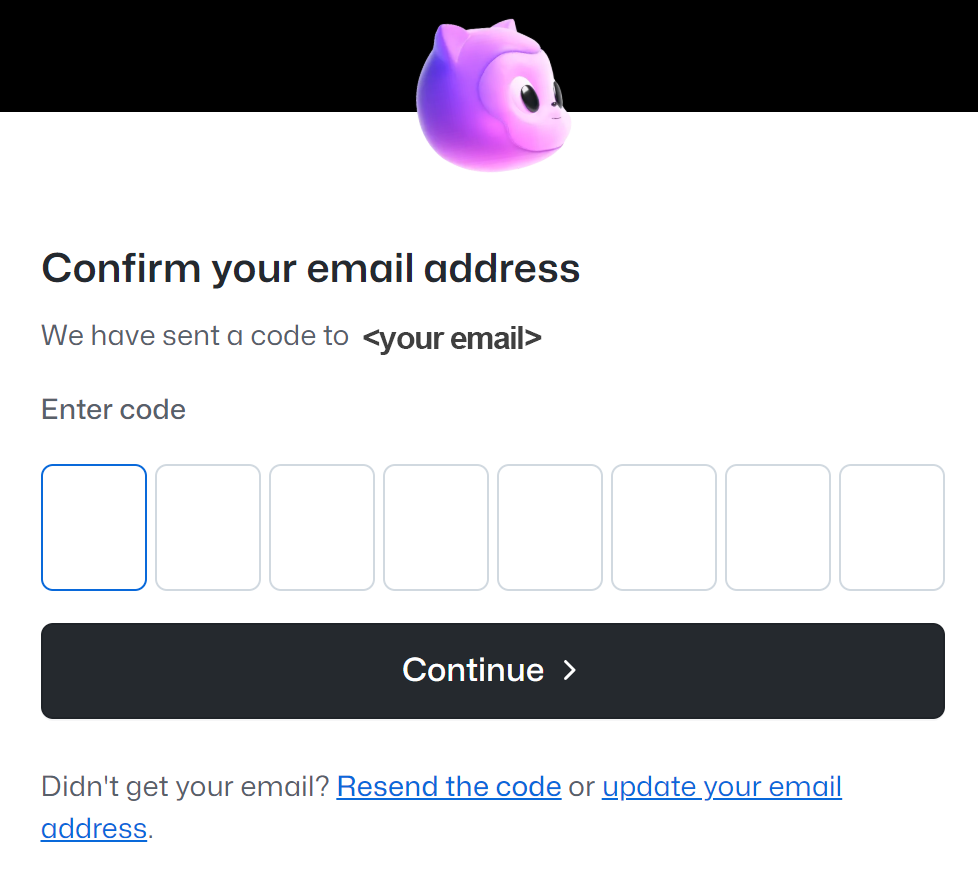
4. Verify Your Email Address
- GitHub will send a verification code to your email.
- Enter the code in the provided field to continue.
5. Finalize Your Account Setup
- Once the verification is successful, proceed to finalize your account setup.
🎉 🚀 Congratulations! You are now ready to dive into the world of GitHub!